Introduction
Phonemos can export contents on pages into various formats. It let’s you define custom templates for the export to enable generating documents, that are fully compliant with your companies design guideline.
Formatting
The export will preserve the formatting such as text colors (for example red, blue, green), text styles such as bold, italic and underline.
To make texts more readable, lists are also possible:
Better readability
Eye has clear focus points
Users write less content
More structure
also
in
depth
or to show sequences like:
Plan
Do
Check
Act
You can also have sections of code inline in your document (e.g. const red = “#ff0000”) or as their own section
1
2
3
interface Props {
    template: ExportTemplate
}
Alignment
At times it’s important to align some text
maybe yes, maybe no
to show the reader key statements directly and to improve the readability.
in the end
In addition it is also possible to indent paragraphs more and more
This is the first level of indentation
And back up to the top
This is the second level
This is the third level
And back to normal, which is also important to preserve.
Images
Images can of course be embedded into documents. Be it with captions or without them.
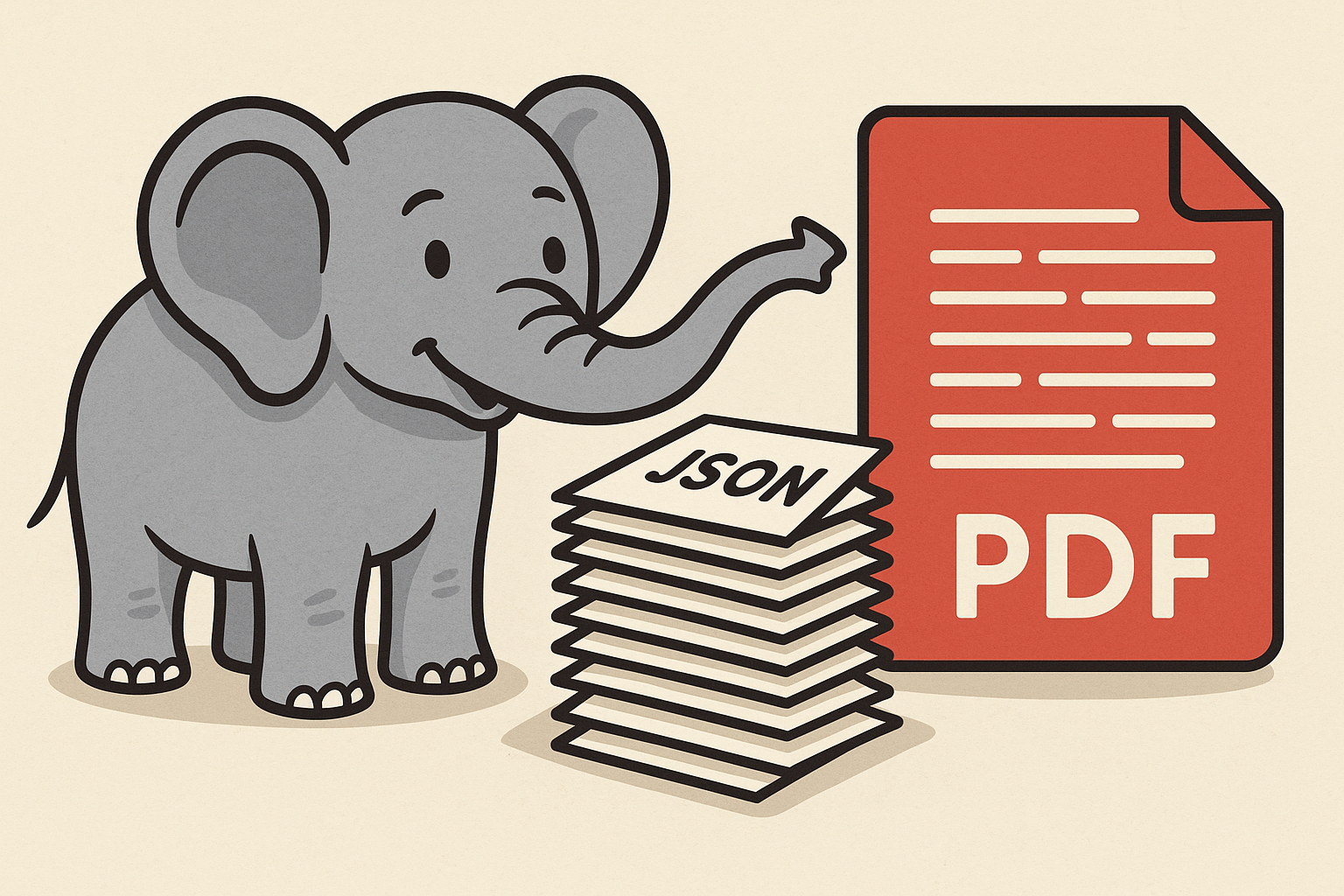
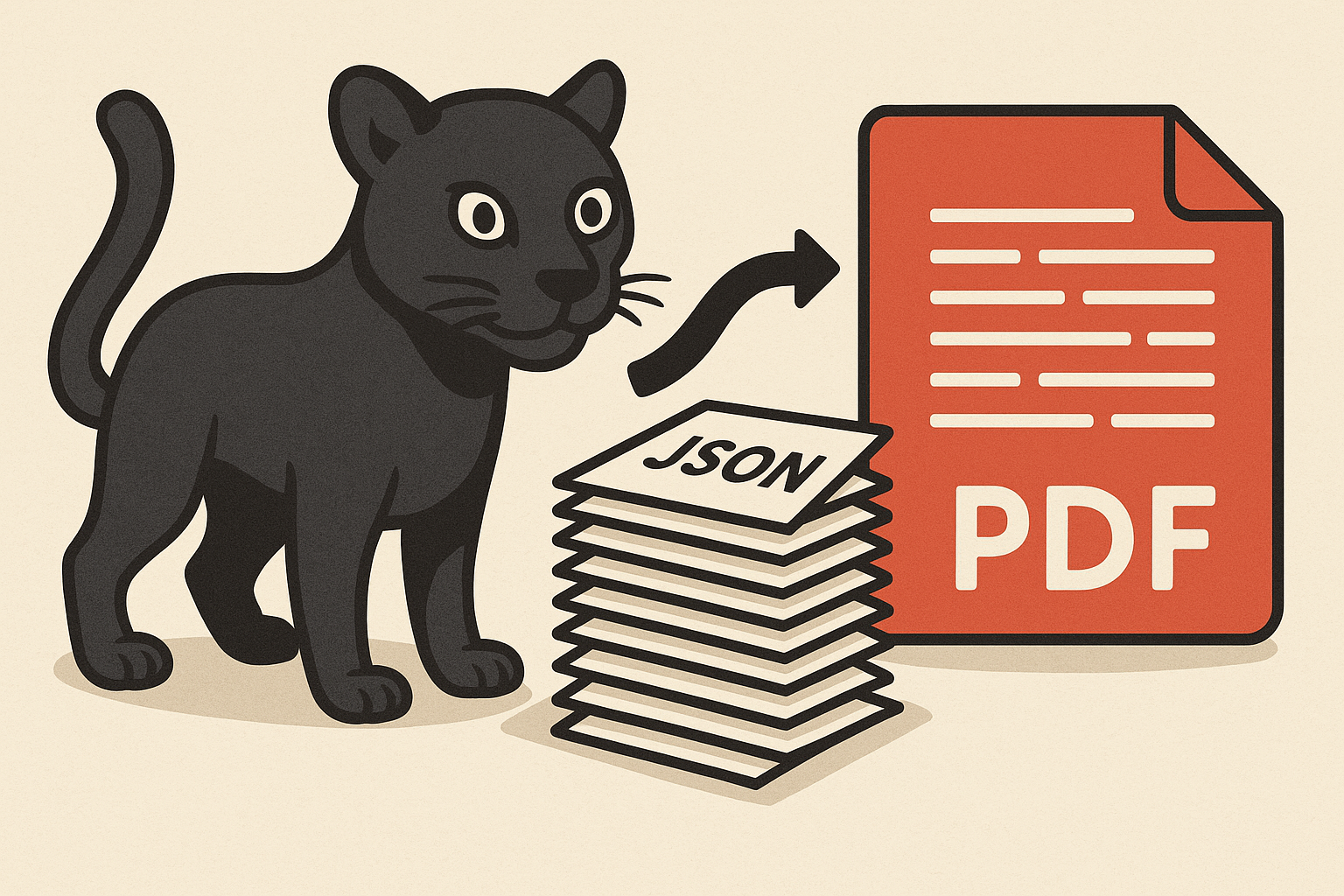
This is all to show that Phonemos is not based on machines, but actually on little animals like  , who work behind the scenes to make everything possible and smooth.
Table
Tables and their formats are also exported
Basic
Name | Description |
|---|---|
Basic Table | Just a regular table with a header row |
More complex table | With line numbers, colors etc. |
Colored
Name | Description |
|---|---|
Basic Table | Just a regular table with a header row |
More complex table | With line numbers, colors etc. |
Heading Column
| 1 | Basic Table | Just a regular table with a header row |
|---|---|---|
| 2 | More complex table | With line numbers, colors etc. |
Named Section
You can have named section for special content.
Some is hidden from the export like the following:
Or regular content
This is shown in the view and export, but can be customized with specific styles in the export.
Other
Of course other things like Panels, Tables and so on will also work.